Getting Started with API Monitoring… and Why It’s Not Enough
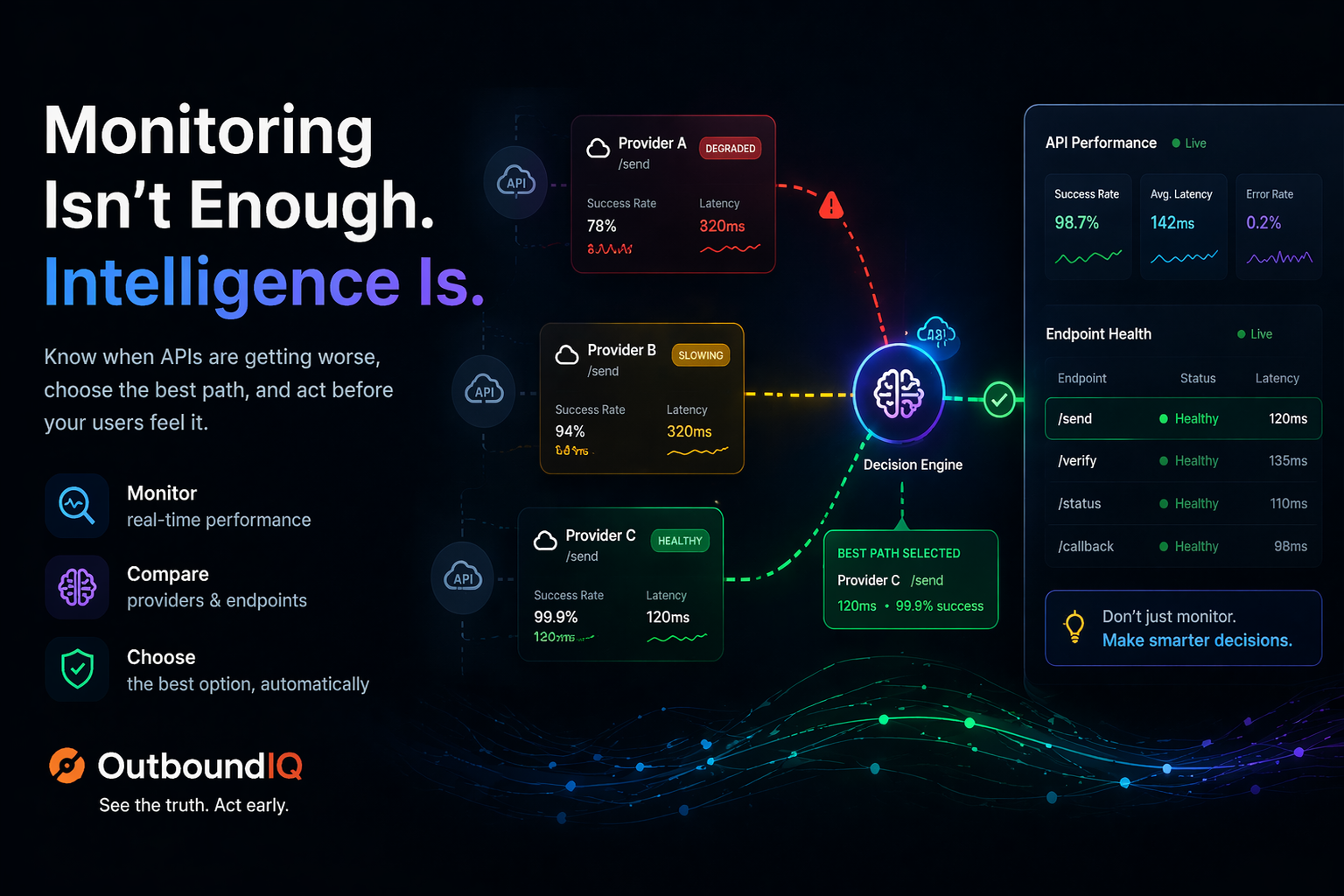
If your system depends on APIs, you need to monitor them.
But here’s the thing most teams learn too late…
Monitoring alone is not enough.
Most teams start with the basics:
- Check if the API is up
- Measure response time
- Track errors
And this is a good start.
But here’s the problem
Monitoring tells you when something is broken.
It doesn’t always tell you when things are getting worse.
A provider can be:
- Slower than usual
- Failing intermittently
- Causing retries to increase
And still…
Look “healthy” on your dashboard.
Where monitoring falls short
Most tools answer:
“Is the API working?”
But your users feel:
“Is this API working well enough right now?”
That gap is where problems start.
What you actually need
Not just monitoring…
Understanding and decision-making:
- Which provider is performing best
- Which endpoint is degrading
- When to switch before hard failure
Moving beyond monitoring
This is where OutboundIQ comes in.
Instead of only showing metrics…
It helps you act on them — using the same outbound traffic you already track:
- Spot performance and reliability shifts early
- Compare providers in context of your traffic
- Choose a better path per request when you wire in API Intelligence
Quick code (Laravel)
Install and configure the SDK (Quick Start) so calls are tracked. Then you can branch on slugs and names from your OutboundIQ project — see recommend(), providerStatus(), and endpointStatus() for full response shapes.
use OutboundIQ\Laravel\Facades\OutboundIQ;

// Prefer the best provider for a service (decision.use = provider slug)
$rec = OutboundIQ::recommend('Payment Processing');
if ($rec && in_array($rec['decision']['action'] ?? '', ['proceed', 'caution'], true)) {
    $this->chargeWithProvider($rec['decision']['use'], $order);
}

// Preflight a provider before a critical send (e.g. SMS)
$sms = OutboundIQ::providerStatus('twilio');
if (!$sms || !$sms['decision']['usable']) {
    $this->sendSmsViaBackup($phone, $body);
}

// Check one tracked endpoint pattern by its dashboard slug — not “the whole API”
$ep = OutboundIQ::endpointStatus('stripe-post-v1-charges');
if (!$ep || !$ep['decision']['usable']) {
    $this->degradeOrFailoverCharges($order);
}
recommend(), providerStatus(), and endpointStatus() return arrays (or null if the API call fails). The examples above use decision.use, decision.usable, and decision.action — swap service names and slugs for your dashboard.
Node (tracking only)
To capture outbound calls so those decisions have data to work from:
import { register } from '@outbound_iq/core/node';

register({ apiKey: process.env.OUTBOUNDIQ_KEY });
// fetch / axios traffic to configured hosts is tracked
The simple truth
Monitoring tells you when something is broken.
OutboundIQ helps you decide before it breaks — once tracking is on and you use API Intelligence where it fits.
Take the next step
- Quick Start — install for your stack
- API Intelligence overview —
recommend(),providerStatus(),endpointStatus() - Sign up and connect your project