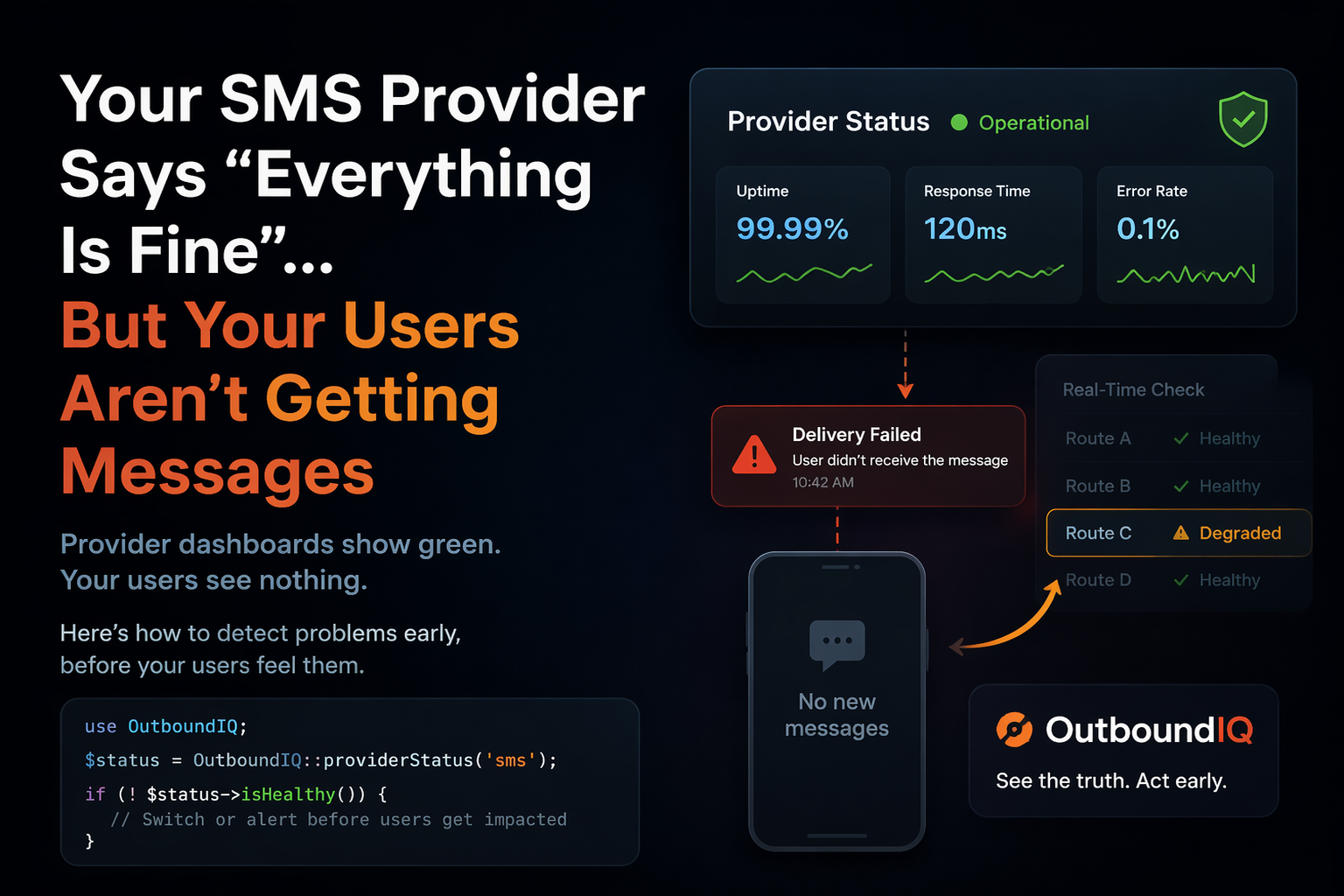
Your SMS Provider Says “Everything Is Fine”… But Your Users Aren’t Getting Messages
It usually starts like this.
One user says they didn’t get their OTP.
You resend. It works.
Then it happens again.
And again.
Soon, people can’t log in.
You check everything on your end:
- Your queue is working
- Your API is responding
- Your logs look clean
Then you check your SMS provider.
Status: All systems operational
So… what’s going on?
The problem nobody sees early
Most outages don’t happen all at once.
They start slowly:
- Messages take longer to deliver
- Some requests fail
- Retries increase
Nothing is fully broken yet.
But your users are already feeling it.
Why this is hard to catch
Most teams only check:
- “Is the provider up?”
- “Did my request go through?”
But that’s not enough.
A provider can be up… but performing badly — and that’s where the real problem is.
What you actually need
Instead of asking:
“Is my provider working?”
You should be asking:
“Is my provider still good enough for my users right now?”
Using OutboundIQ (Laravel example)
With OutboundIQ, you can check your provider before sending messages.
providerStatus() returns an array (or null if the call fails). Use the decision block to see whether the provider is considered usable, and metrics for latency and success rate — the same shape as in the providerStatus() docs.
Here is a simple pattern (replace 'twilio' with the provider slug you configured in OutboundIQ):
use OutboundIQ\Laravel\Facades\OutboundIQ;

$status = OutboundIQ::providerStatus('twilio');

if ($status && $status['decision']['usable']) {
    // Send SMS normally
    Sms::send($phone, $message);
} else {
    // Switch to backup provider
    SmsBackup::send($phone, $message);
}
What’s happening here?
Before you send anything, you check:
- Is this provider considered usable right now?
- Is it slowing down or failing more than usual (see
metrics)?
If the decision says to avoid or wait — or usable is false — you failover instead of hoping the status page wording matches your integration.
Optional: log when you failover
If you want observability when you skip the primary provider:
use Illuminate\Support\Facades\Log;
use OutboundIQ\Laravel\Facades\OutboundIQ;

$status = OutboundIQ::providerStatus('twilio');

if (!$status || !$status['decision']['usable']) {
    Log::warning('SMS provider not usable; using backup', [
        'avg_latency_ms' => $status ? ($status['metrics']['avg_latency_ms'] ?? null) : null,
        'success_rate' => $status ? ($status['metrics']['success_rate'] ?? null) : null,
        'action' => $status ? ($status['decision']['action'] ?? null) : null,
    ]);
    SmsBackup::send($phone, $message);
    return;
}

Sms::send($phone, $message);
Why this matters
Without this: you keep sending to a struggling provider, OTPs don’t arrive, logins fail, and support tickets pile up.
With this: you catch degradation earlier, switch before users feel it, and keep the path working.
The simple truth
Your provider can be “up” and still be failing your users.
The difference is whether you see it early — or only after the damage is done.
Take the next step
- Full API reference: providerStatus() in the docs
- Big picture: API Intelligence overview
- New to monitoring first: Getting Started with API Monitoring